UK Sponsor Register Explained: A-Rating, Routes & SIC Codes
From A-rating to SIC codes — a plain-English guide to every column on the official UK Home Office Register of Licensed Sponsors and what each field means.
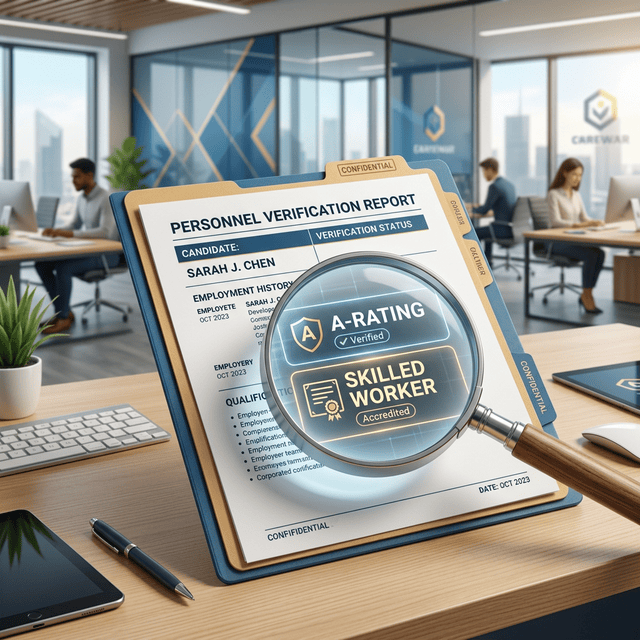
This search tool is built directly on the official Home Office data for UK licensed sponsors. To help you read the results confidently, this guide walks through what each data field on the register actually represents — in plain English.
Organisation Name
This is the official legal name of the entity that holds the sponsor licence. Use it to cross-reference the employer on platforms like Companies House to verify financial standing and operational history before applying.
Town / City
The primary registered location of the employer. Larger sponsors may have multiple offices — but the registered address is the one tied to the licence record. This field is what you'd use to identify employers by geographic proximity (covered in our local search guide).
Status: Active vs Inactive
This column reflects the current standing of the licence. Active means the organisation appears on the latest official Home Office list of authorised sponsors. Inactive means the organisation no longer appears on the most recent list — they may have surrendered their licence, had it revoked, or rebranded. By preserving these records, the tool gives you a historical view of how the register has evolved.
Type & Rating: A vs B
The Home Office assigns a rating to every sponsor on the register to reflect their compliance status:
- A-Rating: the standard rating awarded to a sponsor who meets their compliance duties. The vast majority of active sponsors sit here.
- B-Rating: a transitional rating issued when the Home Office is not satisfied with a sponsor's compliance. While B-rated, a sponsor generally cannot assign new Certificates of Sponsorship to new workers — so B-rated employers are typically not viable targets for new applications.
Route
The 'Route' column indicates the specific category of UK visa sponsorship the employer is authorised to provide. Common categories in our database include Skilled Worker for professional roles, Global Business Mobility for international transfers, and Creative Worker for arts and entertainment roles. Matching your visa category to a sponsor's authorised routes is essential — see our route filter guide for how to do it efficiently.
Sector
This field categorises the organisation's primary area of business. To keep results consistent, our tool approximates sectors using the 2-digit "Division" level of the UK Standard Industrial Classification (SIC) 2007 taxonomy. This mapping groups related business activities into high-level categories such as:
- Information Technology (Divisions 62-63)
- Consultancy (Division 70)
- Manufacturing (Divisions 10-32)
- Construction (Divisions 41-43)
- Retail (Division 47)
- Logistics (Divisions 49-53)
- Hospitality (Divisions 55-56)
- Finance & Insurance (Divisions 64-66)
- Property (Division 68)
- Recruitment (Division 78)
- Education (Division 85)
- Healthcare & Care Services (Divisions 86-88)
- Other (all remaining SIC divisions)
Use the Sector filter to identify employers operating within your specific industry background.
Data Source & Verification
The data in this tool is refreshed daily from the official government registers. You can verify these technical terms and view the source data directly on GOV.UK:
- Official Rating Definitions: Sponsorship licence ratings (GOV.UK)
- Main Register Source: Register of licensed sponsors (GOV.UK)
Note: this guide is provided for technical assistance in using our search tool. It does not constitute legal or immigration advice. For questions on your personal visa eligibility, always consult a qualified immigration adviser.